
 Creator Tips
Six PDF Tools, One Document: What Each Step Actually Costs
Measured on a real six-page PDF: merging, splitting, rotating, page numbers, images to PDF, PDF to images. Five steps stay within half a percent. The sixth is 441 times larger.
Clear, useful explanations for everyday video, subtitle, audio, PDF, and creator tasks. Learn how something works, then use a tool to get it done.
Creator TipsMeasured on a real six-page PDF: merging, splitting, rotating, page numbers, images to PDF, PDF to images. Five steps stay within half a percent. The sixth is 441 times larger.
 Creator Tips
13 stage guides, 12,374 words, and only 16 of 43 tools named in the body text. Which stages explain their tools, which leave them to the tool page, and why.
 Creator Tips
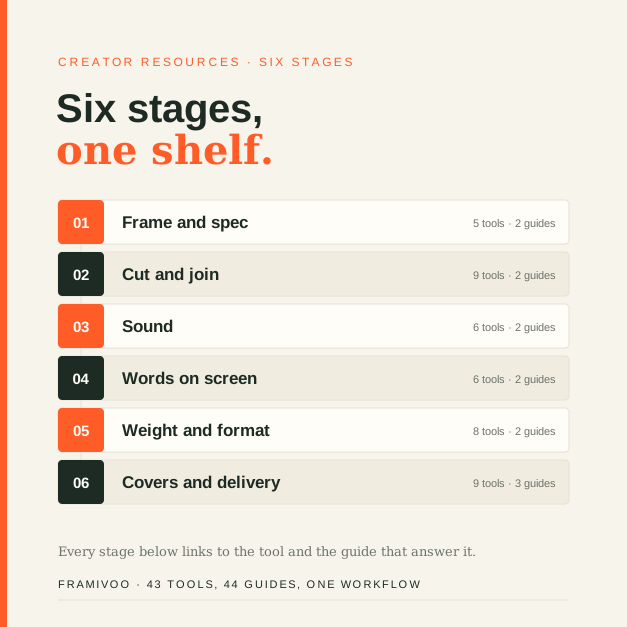
43 tools and 44 guides in the order the work happens: frame, cut, sound, subtitles, weight, covers — plus the numbers behind each stage.
 Image Guides
Sixty images in 1.9 seconds, the sixty-first refused, and a 9000-pixel image fitted to 8192 without a word. Six measurements from one browser tab.
 Creator Tips
8 requests on load, 0 during processing, and 0 outside domains across 8,622 references on 541 pages.
 Video Guides
A 1.65 MB clip through five browser video tools: a 5 s trim saved 8%, a 1:1 crop grew the file 43%, one split made the total 75% larger
 PDF Guides
Nine settings on one 768 KiB PDF, and a 5 KiB text file that came back at 2 MiB. Every byte read from the produced blob.
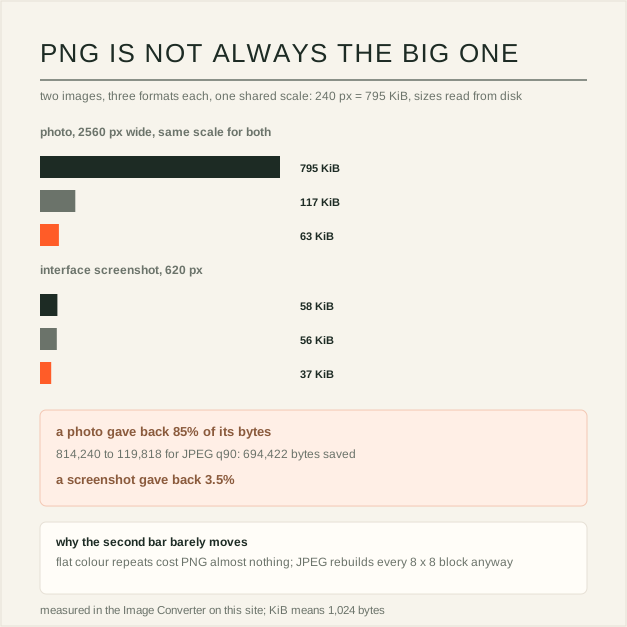 Image Guides
A photo shrank 85% as JPEG while a screenshot gave back 3.5%, and a 53 KiB WebP grew to 795 KiB as PNG. Every byte read from disk.
 Audio Guides
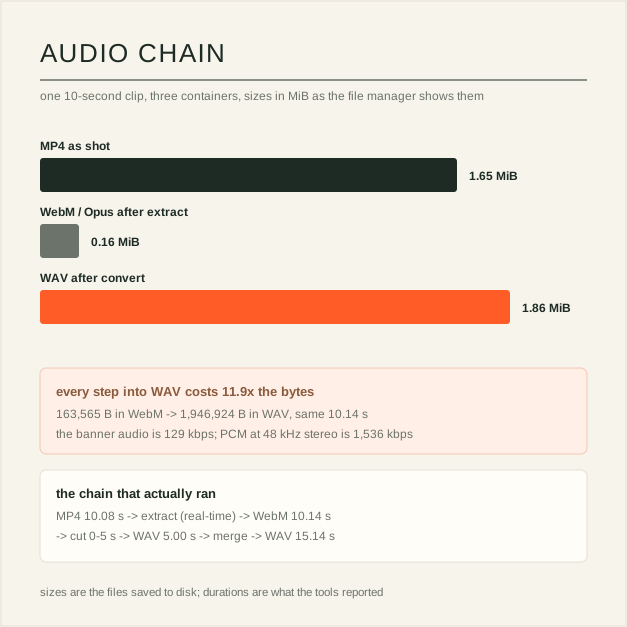
10.08 s of MP4 became 0.16 MiB of Opus, then 1.86 MiB of WAV, then 2.77 MiB after a merge. Every size measured on disk.
 Video Guides
The arithmetic is right, so the gap is an input: variable bitrate, the audio track, decimal versus binary units, and the 60 fps column.
 Video Guides
Why 60 doubles frames rather than motion, how YouTube's bitrate table splits by frame rate, and when 30 is the right answer.
 Creator Guides
One image, four crops: what the canvas buys, where the 1235 by 338 safe area comes from, and which numbers YouTube actually publishes.
 Creator Guides
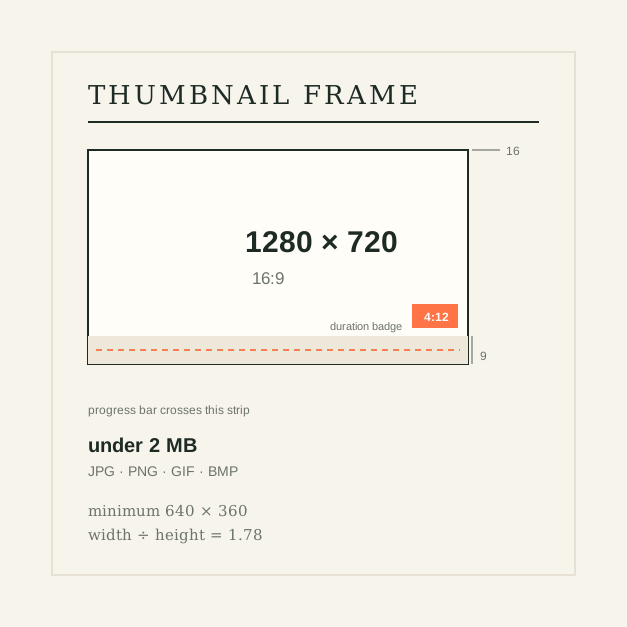
One canvas, three constraints: what the pixels, the ratio and the file size each control, and what YouTube draws over your image.
 Subtitle Guides
Reading speed is a budget. How 20 characters per second is measured, where the limit stops being right, and what to change when a cue does not fit.
 Subtitle Guides
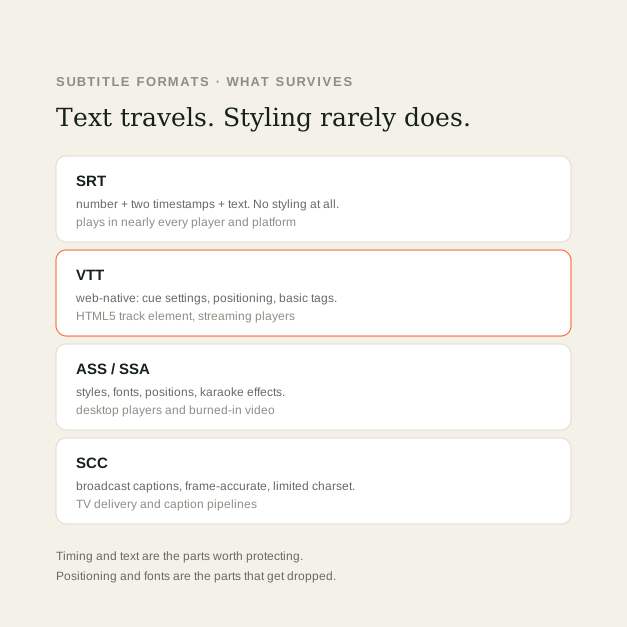
Which subtitle format carries what, what is lost when you convert, and which file to export for players, web, streaming and broadcast.
 Video Guides
Compatibility, file size, licensing and encode time for the four codecs creators meet most, and which one to export for upload.
 Video Guides
How pixel dimensions, aspect ratio and bitrate differ, which resolution to export for each destination, and why upscaling cannot add detail.
 Video Guides
Compare MP4 and MOV video files, including containers, codecs, compatibility, editing workflows, and how to choose the right format.
 Video Guides
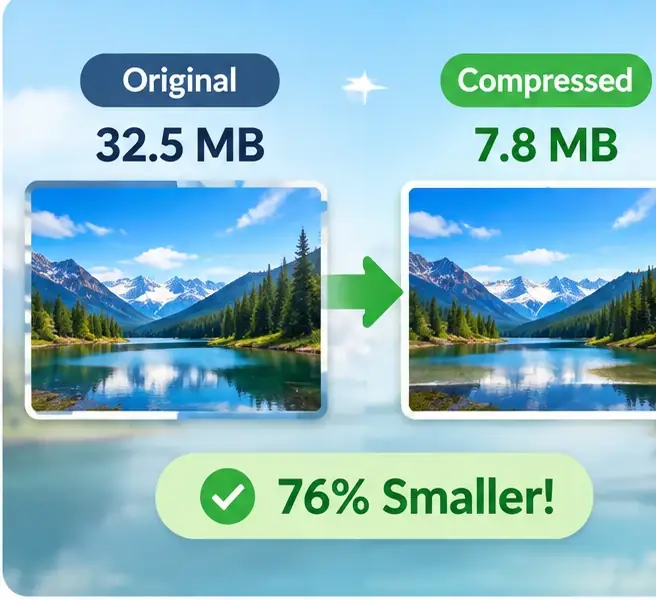
Learn what video bitrate means, how it affects file size and image quality, and how to estimate a sensible bitrate for your export.
 Video Guides
Learn how to change a video frame for vertical, square, and widescreen layouts while keeping important subjects and text visible.
 Video Guides
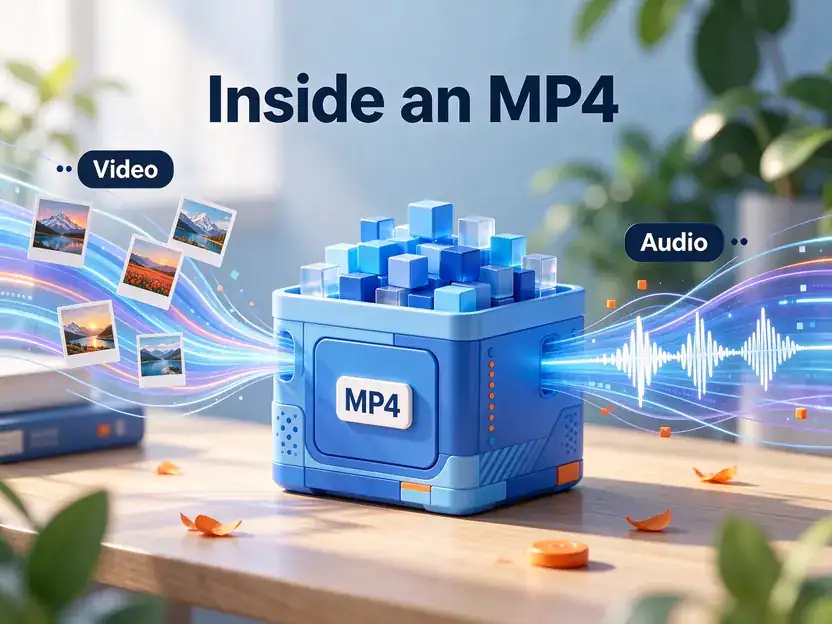
Understand what MP4 conversion involves, how to choose compatible video and audio codecs, and how to verify an exported file.
 Video Guides
Fix sideways or upside-down footage, understand rotation metadata versus re-encoding, and check the exported video carefully.
 Video Guides
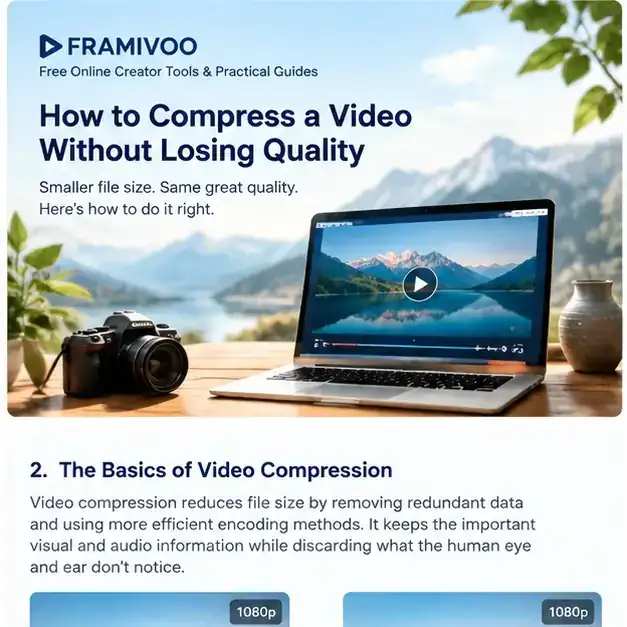
Learn how video compression works, which settings matter most, and how to reduce file size while keeping the picture looking good.
 Subtitle Guides
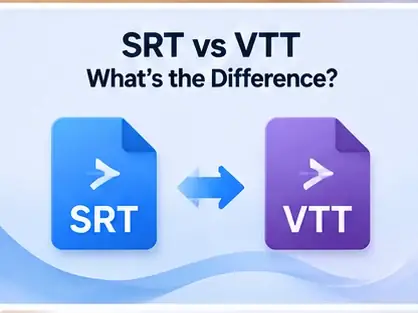
Compare SRT and WebVTT subtitle files, understand their syntax and compatibility, and choose the right format for your video workflow.
 Audio Guides
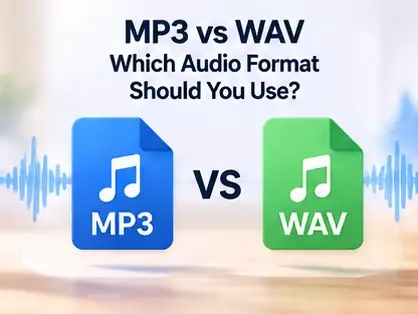
Understand the difference between compressed MP3 audio and uncompressed WAV audio, including file size, editing, sharing, and delivery.
 PDF Guides
Combine multiple PDF documents into one file, arrange pages in the right order, and check the finished document before sharing it.
 Creator Tips
A practical guide to landscape, square, and vertical video formats, safe areas, and a repeatable way to prepare videos for different platforms.
 Subtitle Guides
Troubleshoot malformed timestamps, numbering, missing blank lines, character encoding, and subtitle display problems in SRT files.
 Audio Guides
Learn how bitrate, format, sample rate, and channel count affect audio file size—and how to choose a sensible balance for sharing and storage.
 Audio Guides
Understand audio bitrate in kbps, how it affects compressed audio, and how to choose a practical setting for speech, music, and everyday listening.
 Audio Guides
Convert a large WAV recording to a more shareable MP3 while understanding bitrate choices, compatibility, and the quality trade-offs of lossy encoding.
 Audio Guides
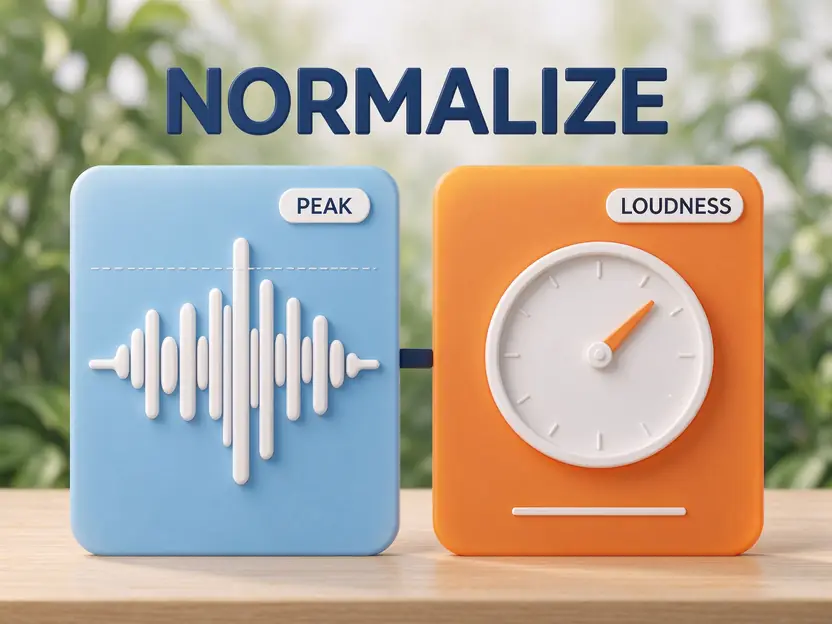
Learn the difference between peak normalization and loudness normalization, what LUFS and true peak mean, and how to make audio levels more consistent.
 Audio Guides
Learn how to identify common recording noise, reduce steady hiss or hum, and protect speech and music from over-processing.
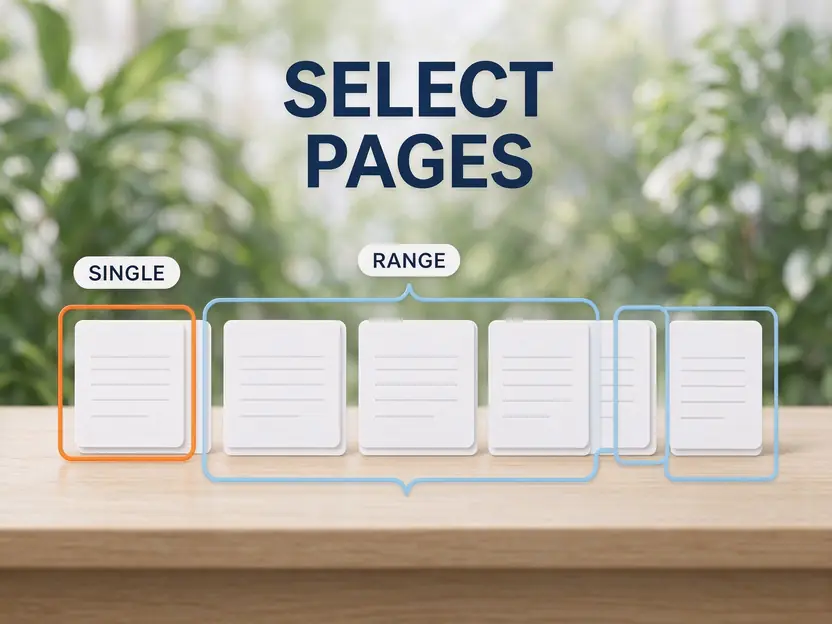 PDF Guides
Extract individual PDF pages or selected page ranges into a new file, then verify the page order and contents.
 PDF Guides
Turn PDF pages into JPG or PNG images, choose a suitable render scale, and understand the trade-offs between file size and detail.
 PDF Guides
Combine JPG and PNG images into a PDF, arrange their order, and understand page sizing, margins, and output checks.
 PDF Guides
Correct sideways or upside-down PDF pages, understand page rotation, and verify the orientation of the exported document.
 PDF Guides
Add sequential page numbers to a PDF in your browser, choose the starting number, and check the exported document before sharing.
 Creator Tips
Keep captions, logos, and calls to action clear of app interface overlays with a repeatable safe-zone review workflow.
 Creator Tips
Reduce upload time by estimating file size, choosing sensible export settings, and checking the final video before sending it.
 Creator Tips
Choose practical video, audio, subtitle, image, and document formats based on editing, sharing, compatibility, and delivery needs.
 Subtitle Guides
Prepare subtitle files and add captions using a compatible player, platform, or video editor.
Explore the free creator toolkit and choose the workflow that fits your task.
Explore all tools → Video Guides
Learn how to create a repeatable video loop, hide the transition between the last and first frames, and export a clip that plays smoothly.
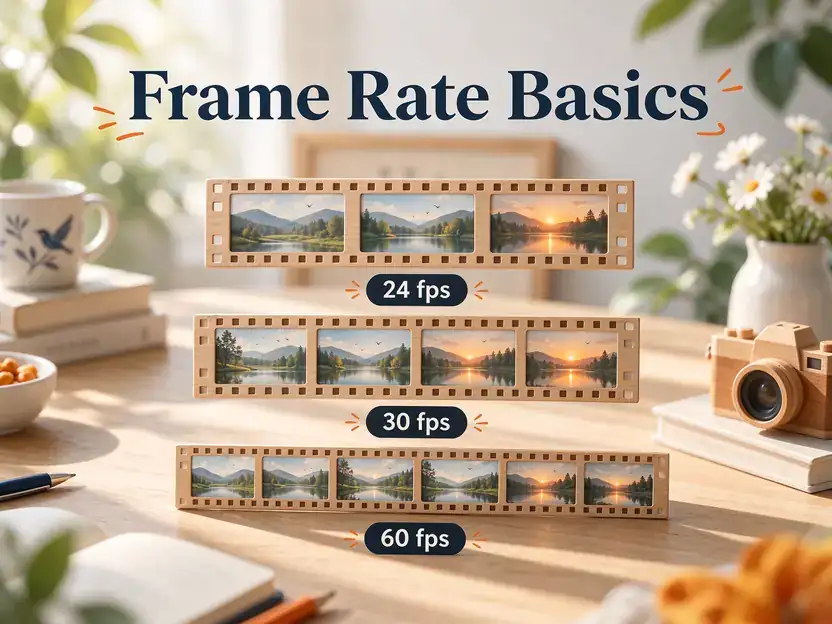 Video Guides
Compare 24, 30, and 60 frames per second, understand motion smoothness and file-size trade-offs, and choose a frame rate for your project.
 Subtitle Guides
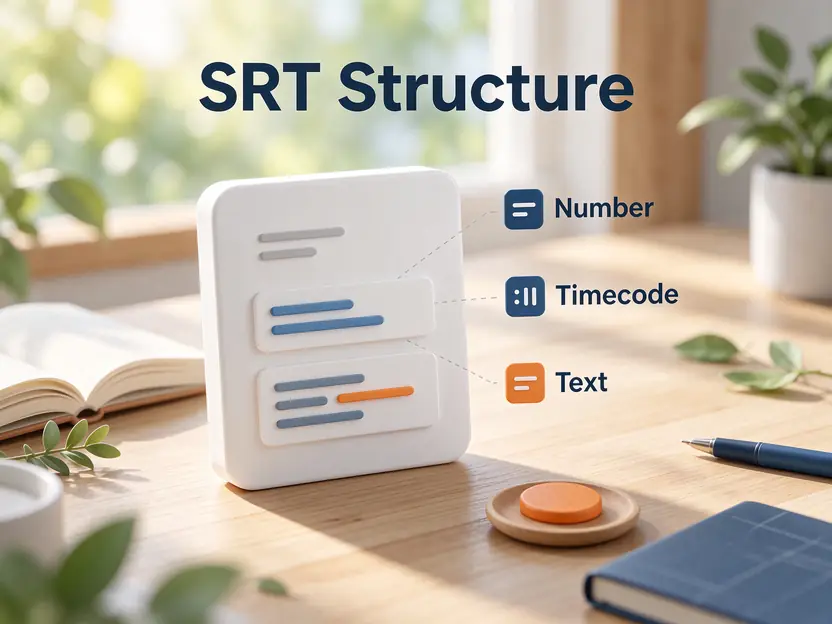
Learn the structure of an SRT subtitle file, write valid cue numbers and timestamps, edit captions, and save a subtitle file you can test.
 Subtitle Guides
Find out why subtitles appear too early or too late, correct a consistent timing offset, and check synchronization across the full video.
 Subtitle Guides
Convert SubRip subtitles to WebVTT by adding the required header, adapting timestamp punctuation, and checking cue structure and playback compatibility.