
 Video Guides
Five edits, one re-encode: cutting a clip in half saved 8%
A 1.65 MB clip through five browser video tools: a 5 s trim saved 8%, a 1:1 crop grew the file 43%, one split made the total 75% larger
Practical, focused tutorials that help you understand the task and choose the right tool.
Video GuidesA 1.65 MB clip through five browser video tools: a 5 s trim saved 8%, a 1:1 crop grew the file 43%, one split made the total 75% larger
 Video Guides
The arithmetic is right, so the gap is an input: variable bitrate, the audio track, decimal versus binary units, and the 60 fps column.
 Video Guides
Why 60 doubles frames rather than motion, how YouTube's bitrate table splits by frame rate, and when 30 is the right answer.
 Video Guides
Compatibility, file size, licensing and encode time for the four codecs creators meet most, and which one to export for upload.
 Video Guides
How pixel dimensions, aspect ratio and bitrate differ, which resolution to export for each destination, and why upscaling cannot add detail.
 Video Guides
Compare MP4 and MOV video files, including containers, codecs, compatibility, editing workflows, and how to choose the right format.
 Video Guides
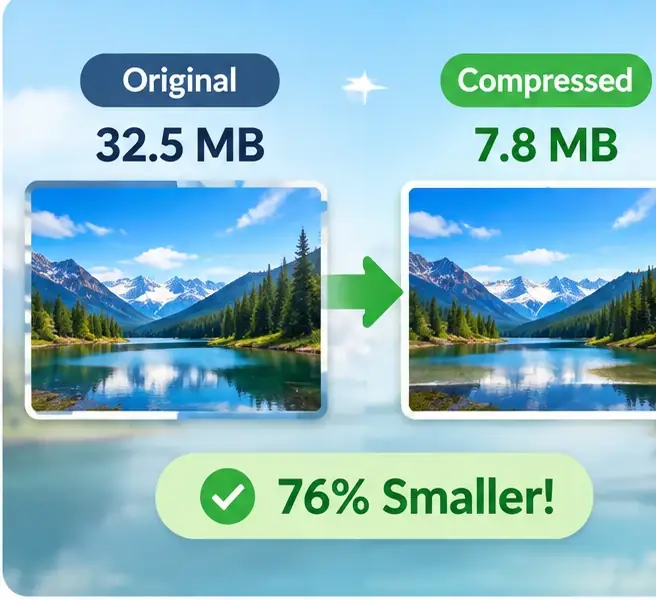
Learn what video bitrate means, how it affects file size and image quality, and how to estimate a sensible bitrate for your export.
 Video Guides
Learn how to change a video frame for vertical, square, and widescreen layouts while keeping important subjects and text visible.
 Video Guides
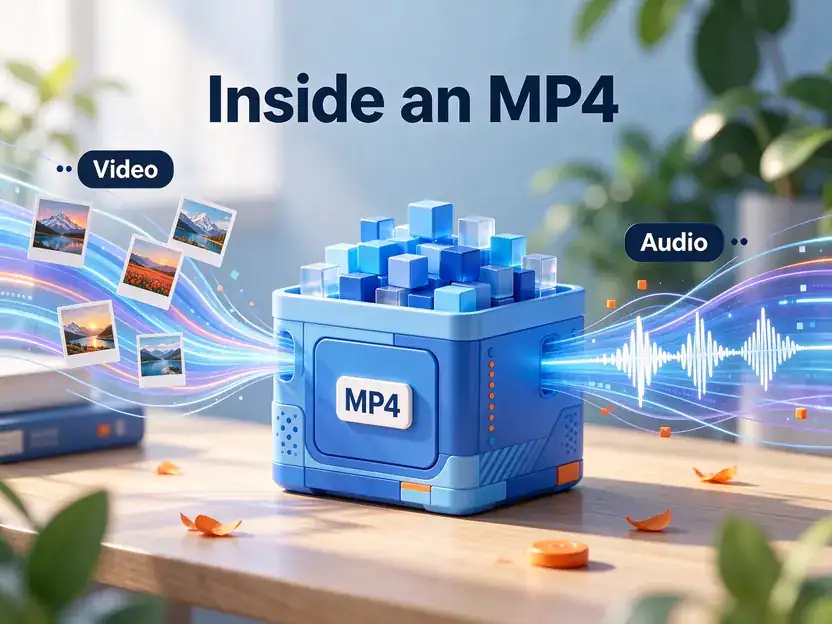
Understand what MP4 conversion involves, how to choose compatible video and audio codecs, and how to verify an exported file.
 Video Guides
Fix sideways or upside-down footage, understand rotation metadata versus re-encoding, and check the exported video carefully.
 Video Guides
Learn how to create a repeatable video loop, hide the transition between the last and first frames, and export a clip that plays smoothly.
 Video Guides
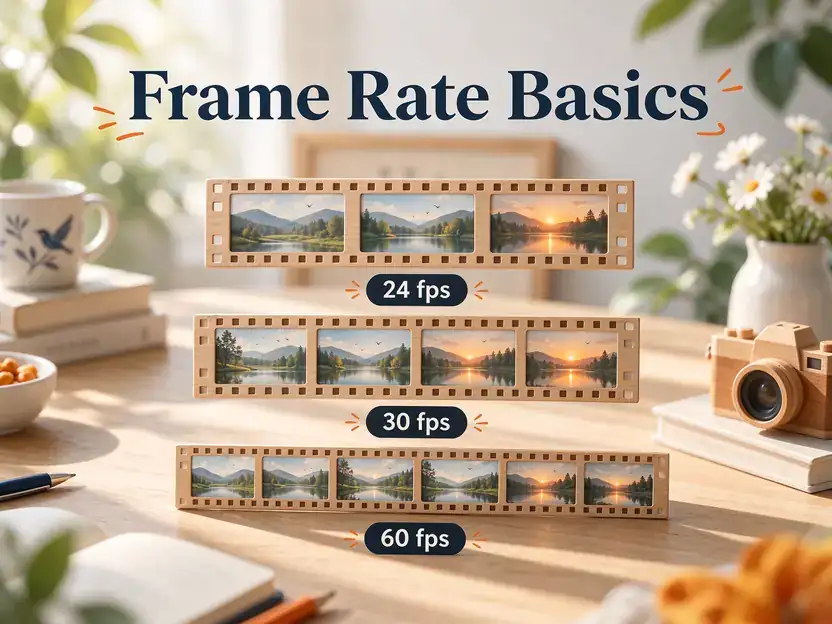
Compare 24, 30, and 60 frames per second, understand motion smoothness and file-size trade-offs, and choose a frame rate for your project.
 Video Guides
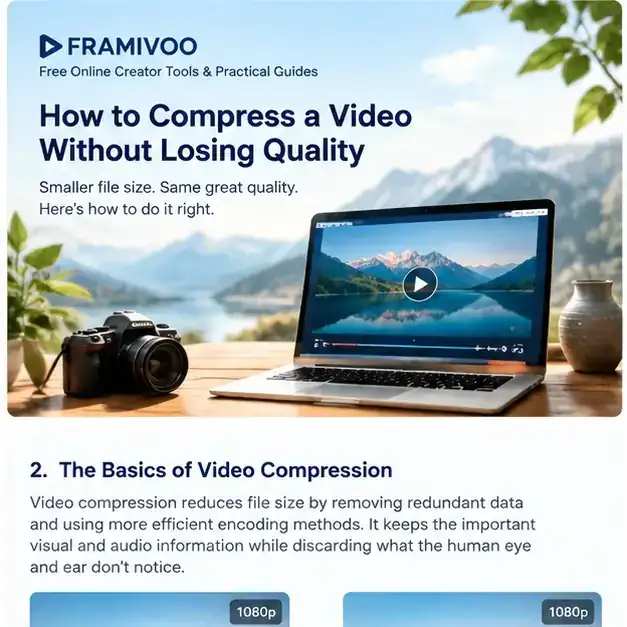
Learn how video compression works, which settings matter most, and how to reduce file size while keeping the picture looking good.